How to Favorite Images in Your Digital Boudoir Gallery
Favoriting images in your boudoir gallery is the fastest, safest way to communicate specific picks to us without extra emails or back-and-forth. Here's how to use the feature — including two ways to favorite and how to find everything you've saved.

Understand What Happens When you Favorite
Anything you favorite is visible to the team on our end. It's a direct signal for which images you want selected, with no extra message of “the one with my legs crossed on the couch where my hand is in my hair but I’m laughing and the blue shoes.”
How to Favorite Boudoir Gallery Images
Log in and Find an Image
Open your gallery and log in using the unique link and password that was sent to you. Scroll down to the images section.
Favorite from the Gallery Grid
Quick and easy if you already know what image you want. Hover your mouse over any image and a small heart icon will appear. Click the heart to favorite that image.
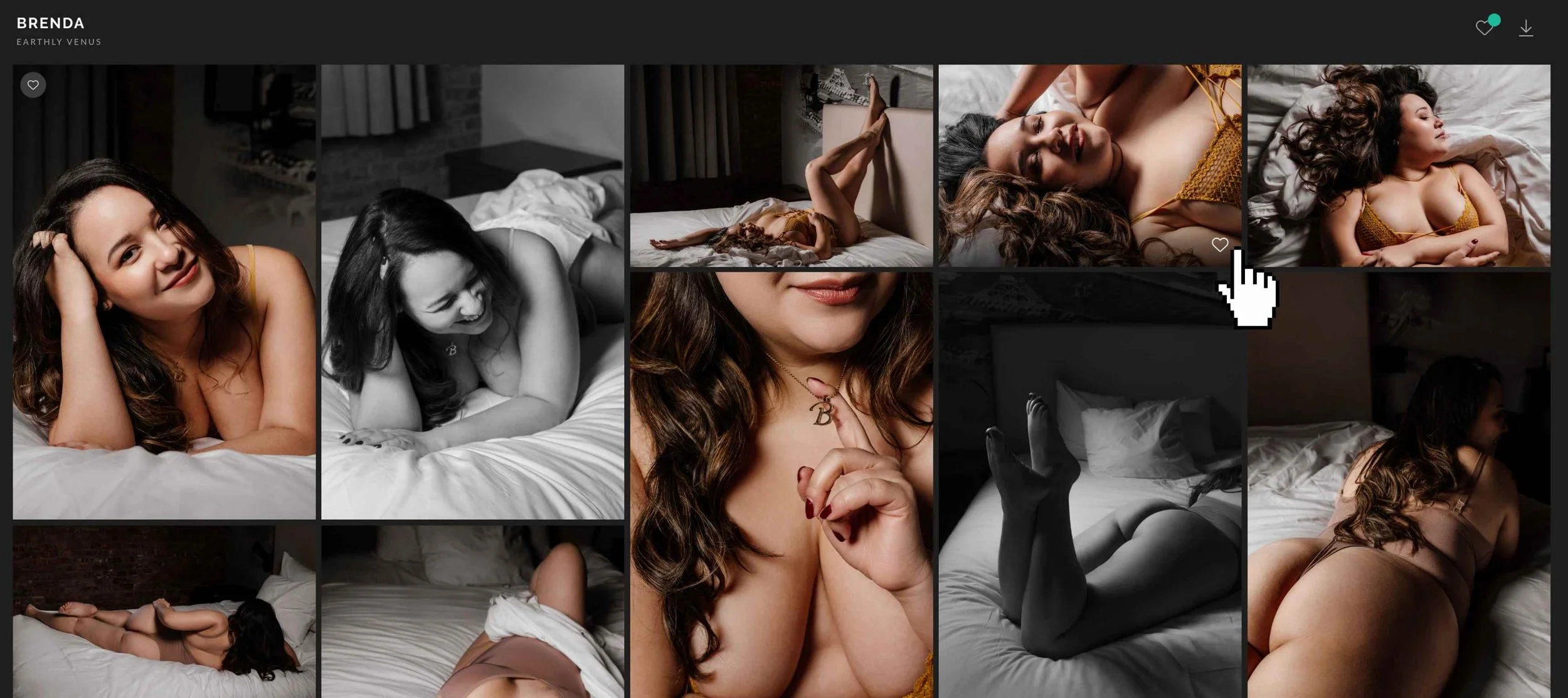
Favorite from the Enlarged View
Rather inspect it up close first? Click the image to open a larger view, then use the heart icon in the upper-right corner. Same result — just more context before you commit.
View and Organize your Favorites
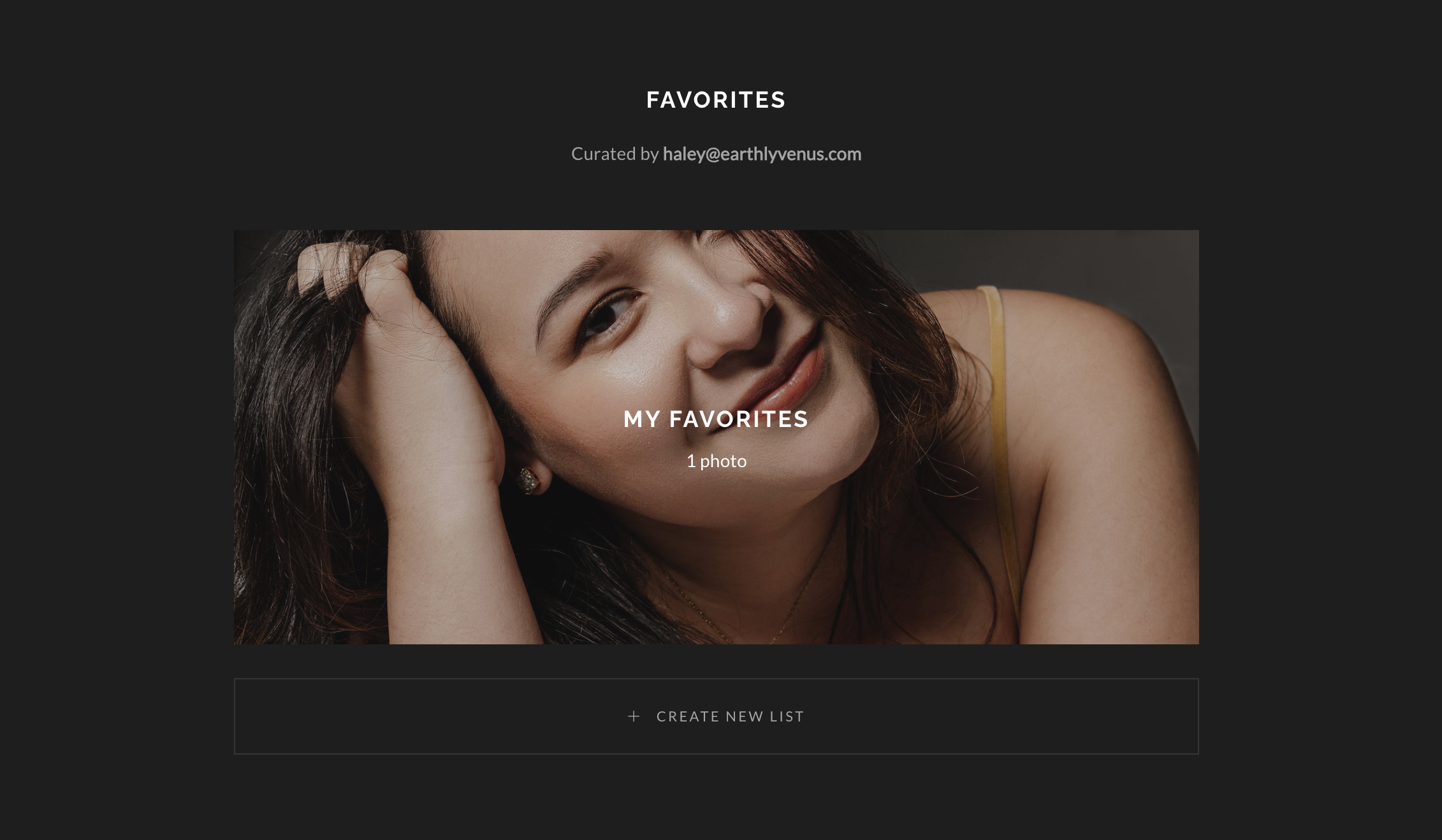
Click the heart icon in the corner of the gallery to see all your saved images in one place. From there you can review your picks and create lists if you want to organize them further.
Your photography, albums and artworks are where your experience lives on — and it deserves to be memorable!
And if you're reminiscing over your images thinking it was a one-time thing, know it doesn't have to be. You're different every year. Every season of your life is a new chapter and a new version of you. Many of our clients come back because they want to document that.
There's no rule that says you only do this once!